What to Do With a Damaged Smart Phone
You can make some fixes on your own, or sell it for cash.

You are now subscribed
Your newsletter sign-up was successful
Want to add more newsletters?

Delivered daily
Kiplinger Today
Profit and prosper with the best of Kiplinger's advice on investing, taxes, retirement, personal finance and much more delivered daily. Smart money moves start here.

Sent five days a week
Kiplinger A Step Ahead
Get practical help to make better financial decisions in your everyday life, from spending to savings on top deals.

Delivered daily
Kiplinger Closing Bell
Get today's biggest financial and investing headlines delivered to your inbox every day the U.S. stock market is open.

Sent twice a week
Kiplinger Adviser Intel
Financial pros across the country share best practices and fresh tactics to preserve and grow your wealth.

Delivered weekly
Kiplinger Tax Tips
Trim your federal and state tax bills with practical tax-planning and tax-cutting strategies.

Sent twice a week
Kiplinger Retirement Tips
Your twice-a-week guide to planning and enjoying a financially secure and richly rewarding retirement

Sent bimonthly.
Kiplinger Adviser Angle
Insights for advisers, wealth managers and other financial professionals.

Sent twice a week
Kiplinger Investing Weekly
Your twice-a-week roundup of promising stocks, funds, companies and industries you should consider, ones you should avoid, and why.

Sent weekly for six weeks
Kiplinger Invest for Retirement
Your step-by-step six-part series on how to invest for retirement, from devising a successful strategy to exactly which investments to choose.
How can you break your smart phone? Let me count the ways. It could fall out of your pocket as you lean over to pick up something. You could accidentally run over it with your car. Your dog could use it as a chew toy. Or it could slip from your wet hands as you play Candy Crush while taking a bath and sink to the bottom of the tub -- which actually happened to one of the respondents in a recent survey by electronics trade-in site Gazelle about how consumers break their phones.
Unfortunately, the limited warranties that come with Apple and Samsung phones don’t cover this sort of damage. But you don’t have to write off your broken phone as a total loss.
You may be able to fix your phone and avoid shelling out big bucks for a new one. Note: Before attempting any repairs, contact the manufacturer to confirm that the damage isn’t covered so you don’t void your warranty by tampering with your phone. Or you could sell it at an electronics trade-in site for cash to help offset the cost of a new phone.
From just $107.88 $24.99 for Kiplinger Personal Finance
Become a smarter, better informed investor. Subscribe from just $107.88 $24.99, plus get up to 4 Special Issues

Sign up for Kiplinger’s Free Newsletters
Profit and prosper with the best of expert advice on investing, taxes, retirement, personal finance and more - straight to your e-mail.
Profit and prosper with the best of expert advice - straight to your e-mail.
Repair a broken screen. Clear packing tape is a quick, inexpensive fix to hold your screen together until you can get a replacement screen, says Gazelle senior tech analyst Alyssa Voorhis. Just don’t handle the phone with your bare hands if there are loose shards of glass. You can find replacement screens on Amazon.com for $50 or more and fix it yourself. My husband used a YouTube video to walk him through the replacement of his Samsung Galaxy phone screen, which he says wasn’t easy but certainly doable.
Dry out a water-damaged phone. If you drop your phone in water, pull it out as quickly as possible and turn it off so it doesn’t short circuit, Voorhis says. Take the battery out of Android and Blackberry phones; do a hard shutdown on iPhones. Remove the memory card and shake the water out of your device. Then place it in instant rice, crystallized cat litter or silica gel in a sealed container for 48 hours, Voorhis says. After you charge it, the phone should work again.
Get cash for your broken phone. If your service provider won’t give you credit for a broken phone toward the purchase of a new phone, you can sell it at an electronics trade-in site. You won’t get as much from these sites for a damaged phone as you would for one in working condition, but you might be surprised how much you actually can get.
For example, Gazelle will pay $125 for a broken iPhone 5S (as long as it’s still recognizable as a phone), versus up to $370 for one in good condition. It will pay $50 for a broken Galaxy S4, versus up to $193 for one in good condition. The highest price listed recently on USell, which shows the best offers from a network of buyers, for a broken iPhone 5S was $152 and $60.80 for a Galaxy S4. BuyMyTronics and NextWorth also buy broken smart phones.
Because the amount you can get for your broken phone varies from site to site, it pays to check several to find the best offer. All of the sites listed above provide free shipping and pay by check or through PayPal. Gazelle also offers the option to receive an Amazon gift card. NextWorth gives you the option to take items to one its partner stores, such as Target, and get store credit or a gift card. And BuyMyTronics will let you donate the amount you’re offered for your device to a charity of your choice.

-
 Betting on Super Bowl 2026? New IRS Tax Changes Could Cost You
Taxable Income When Super Bowl LX hype fades, some fans may be surprised to learn that sports betting tax rules have shifted.
-
 How Much It Costs to Host a Super Bowl Party in 2026
Hosting a Super Bowl party in 2026 could cost you. Here's a breakdown of food, drink and entertainment costs — plus ways to save.
-
 3 Reasons to Use a 5-Year CD As You Approach Retirement
A five-year CD can help you reach other milestones as you approach retirement.


-
 When Tech is Too Much
Our Kiplinger Retirement Report editor, David Crook, sounds off on the everyday annoyances of technology.
-
 I Let AI Read Privacy Policies for Me. Here's What I Learned
A reporter uses AI to review privacy policies, in an effort to better protect herself from fraud and scams.
-
 What Is AI? Artificial Intelligence 101
Artificial intelligence has sparked huge excitement among investors and businesses, but what exactly does the term mean?
-
 Five Ways to Save on Vacation Rental Properties
Travel Use these strategies to pay less for an apartment, condo or house when you travel.
-
 How to Avoid Annoying Hotel Fees: Per Person, Parking and More
Travel Here's how to avoid extra charges and make sure you don't get stuck paying for amenities that you don't use.
-
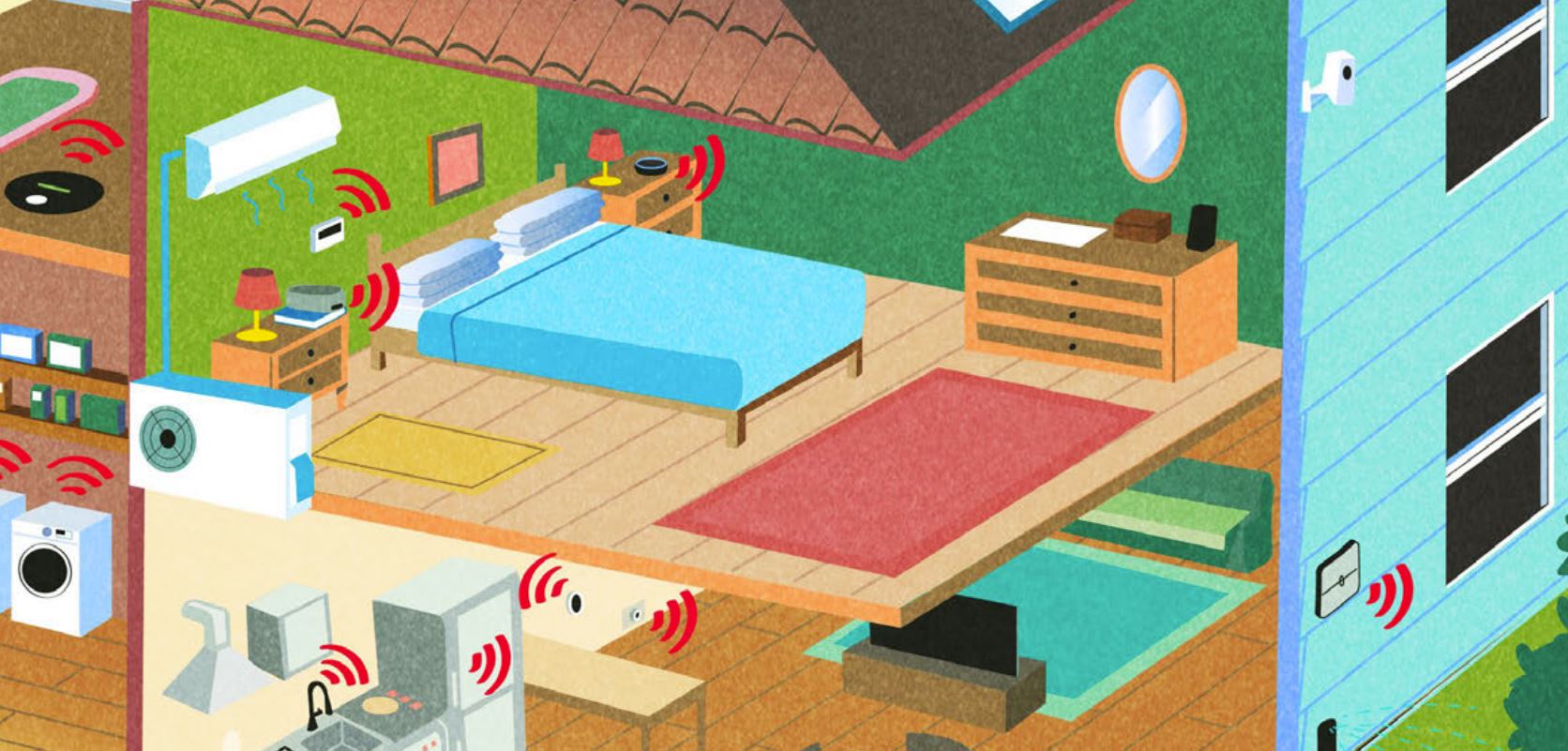 The 27 Best Smart Home Devices
gadgets Innovations ranging from voice-activated faucets to robotic lawn mowers can easily boost your home’s IQ—and create more free time for you.
-
 How to Appeal an Unexpected Medical Bill
health insurance You may receive a bill because your insurance company denied a claim—but that doesn’t mean you have to pay it.
-
 Amazon Prime Fees Are Rising. Here’s How to Cancel Your Amazon Prime Membership
Feature Amazon Prime will soon cost $139 a year, $180 for those who pay monthly. If you’re a subscriber, maybe it’s time to rethink your relationship. Here’s a step-by-step guide to canceling Prime.


